“YORU” is open-source software for animal behavior detection using object detection. YORU classifies animal behaviors as "behavior objects."
Support the development of YORU.
Sponsor©Copyright 2026 Hayato M. Yamanouchi
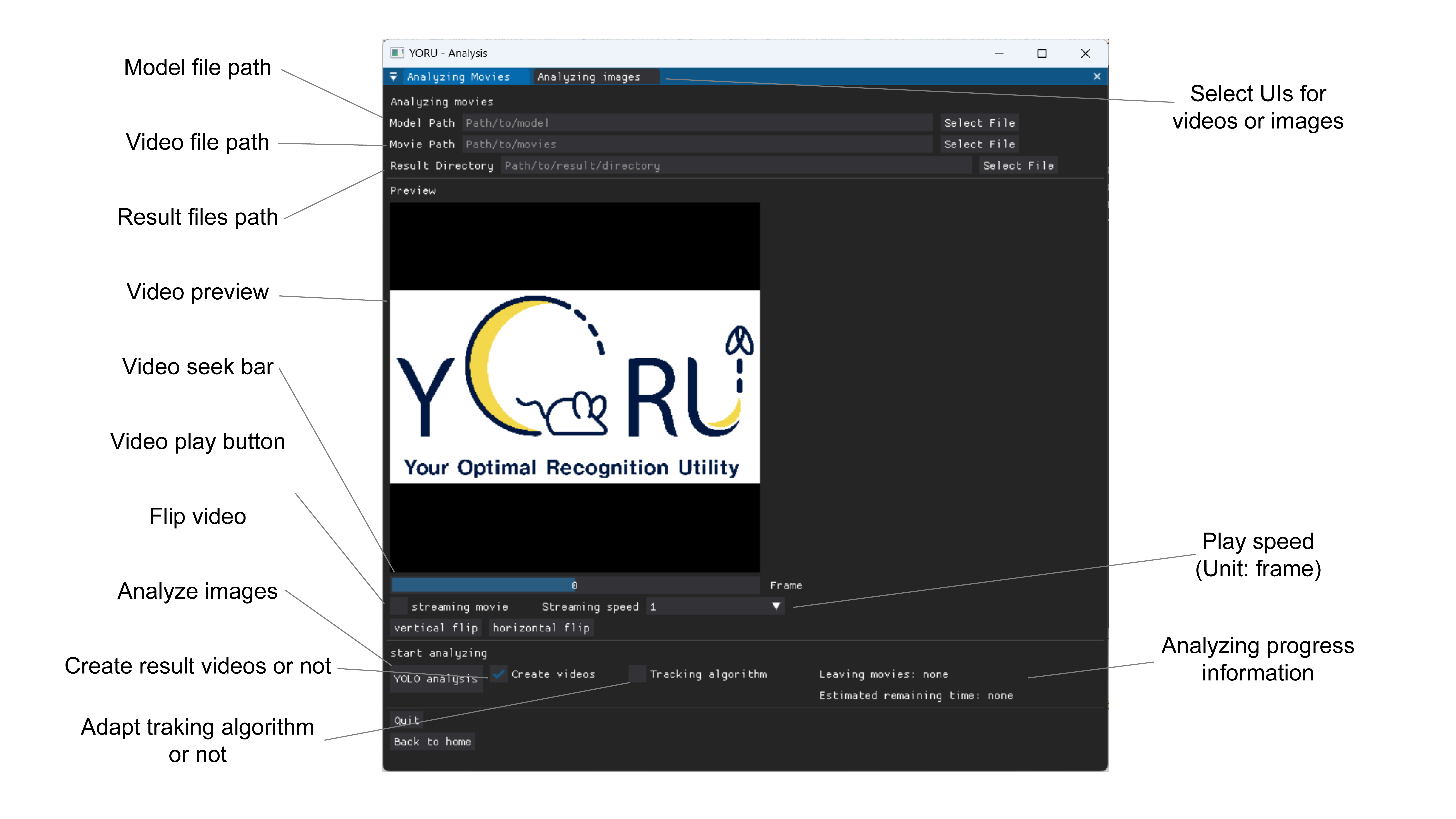
Select a model to analyze videos.
From v1.1.2, YORU accepts YOLOv5, YOLOv8, YOLO11, RT-DETR, Faster R-CNN, Mask R-CNN and SSD models. The model type is recognised from the weights file.
Select movies.
Select a folder to save results.
Check the previews.
When a video is loaded, the first video appears in PREVIEW.
Check for flips, etc., and adjust vertical and horizontal flips if any are present.
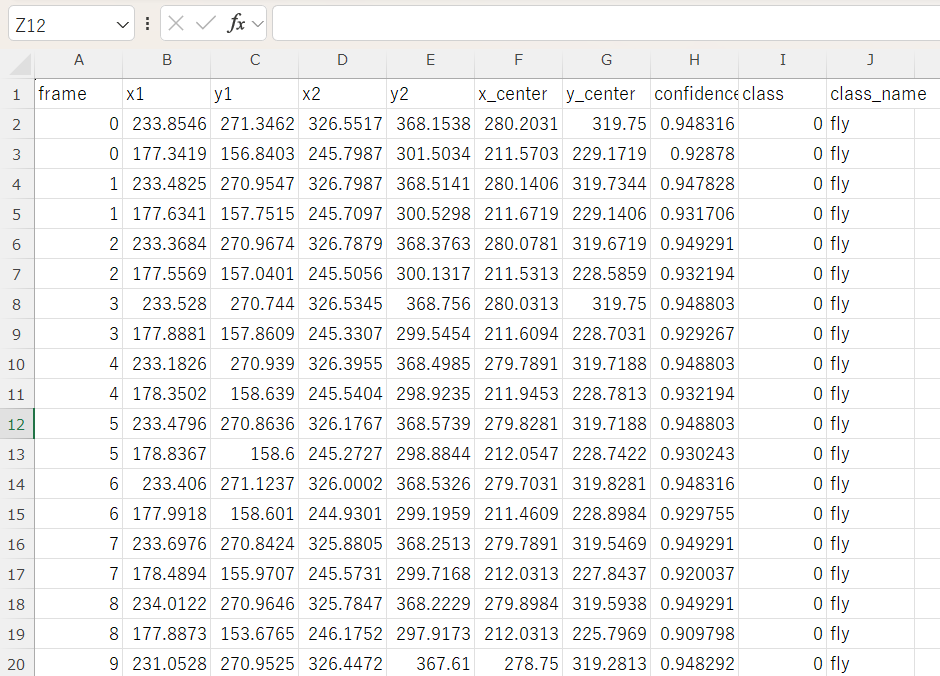
Push the “YOLO analysis” and start an analysis.
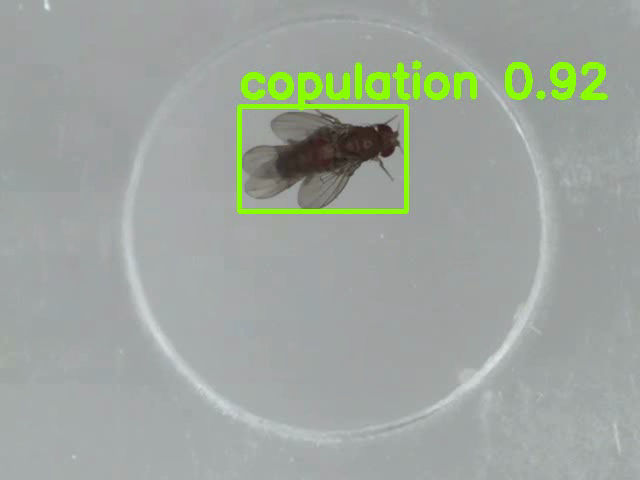
If you check “Create videos”, YORU will save the videos shown in the box.
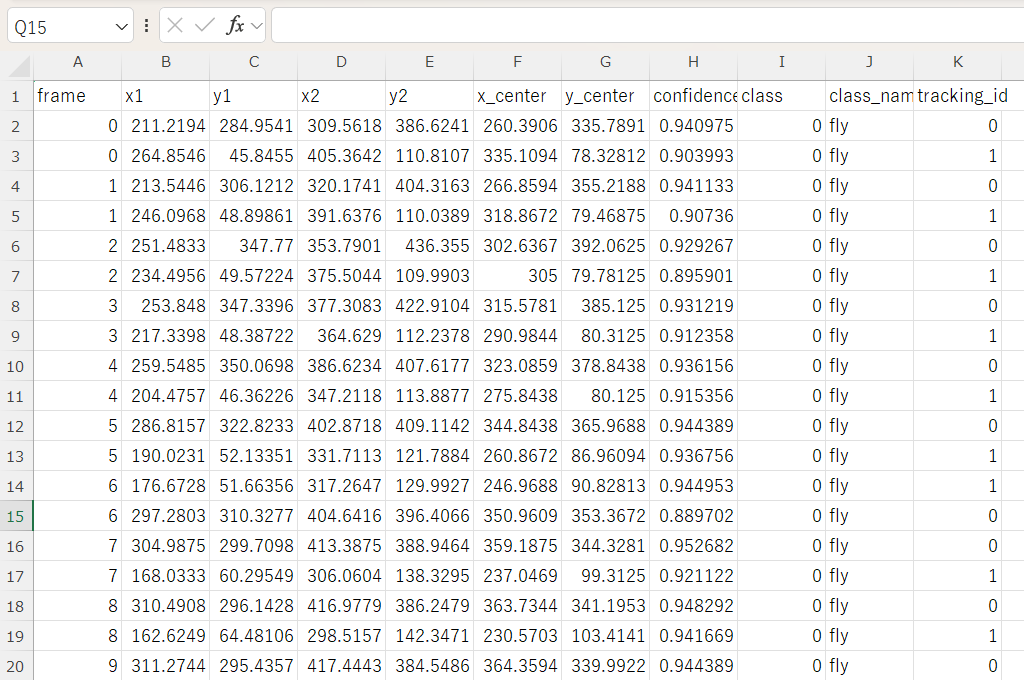
If you check “Tracking algorithm”, YORU will save the IDs in the results csv file.
Although YOLOv5 does not support assigning unique IDs to detected objects, YORU has the option of individual identification in multi-animal scenarios. YORU applies the Kuhn-Munkres method (Bashar et al., 2022) to assign IDs based on positional information following object detection. This function is still a beta function.