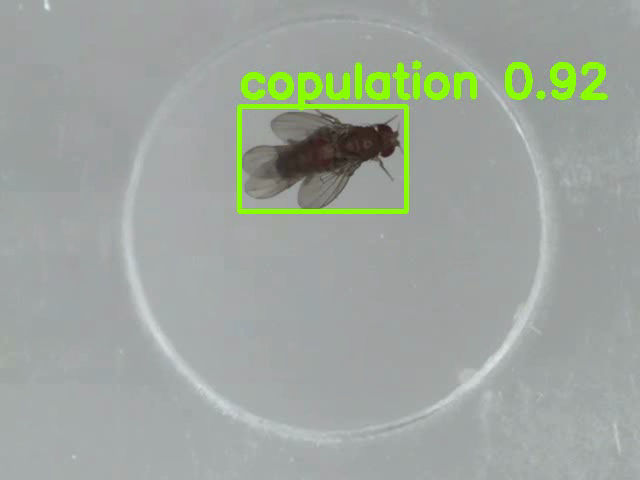
“YORU” is open-source software for animal behavior detection using object detection. YORU classifies animal behaviors as "behavior objects."
Support the development of YORU.
Sponsor©Copyright 2026 Hayato M. Yamanouchi
Applies to v2.0.0-beta.4. For the stable v1.1.2 procedure, see the User Guides.
⚠️ Beta 3 changed the column order of the result CSV. If you read it by column position in your own scripts, see Result CSV below.
⚠️ Beta 4 changed how
tracking_idis assigned. Re-analysing a movie can give different IDs. See Tracking below.
Select a model to analyze videos.
The beta accepts YOLOv5 (including models trained with YORU v1, again from Beta 4), YOLOv8 / YOLO11 (including OBB models), RT-DETR and torchvision checkpoints, and
.onnxfiles. The backend is chosen from the weights file. See Training.
Select movies.
Select a folder to save results.
Check the previews.
When a video is loaded, the first video appears in PREVIEW.
Check for flips, etc., and adjust vertical and horizontal flips if any are present.
Push “YOLO analysis” and start an analysis.
If you check “Create videos”, YORU will save the videos shown in the box. For an OBB model, the rendered video shows rotated rectangles.
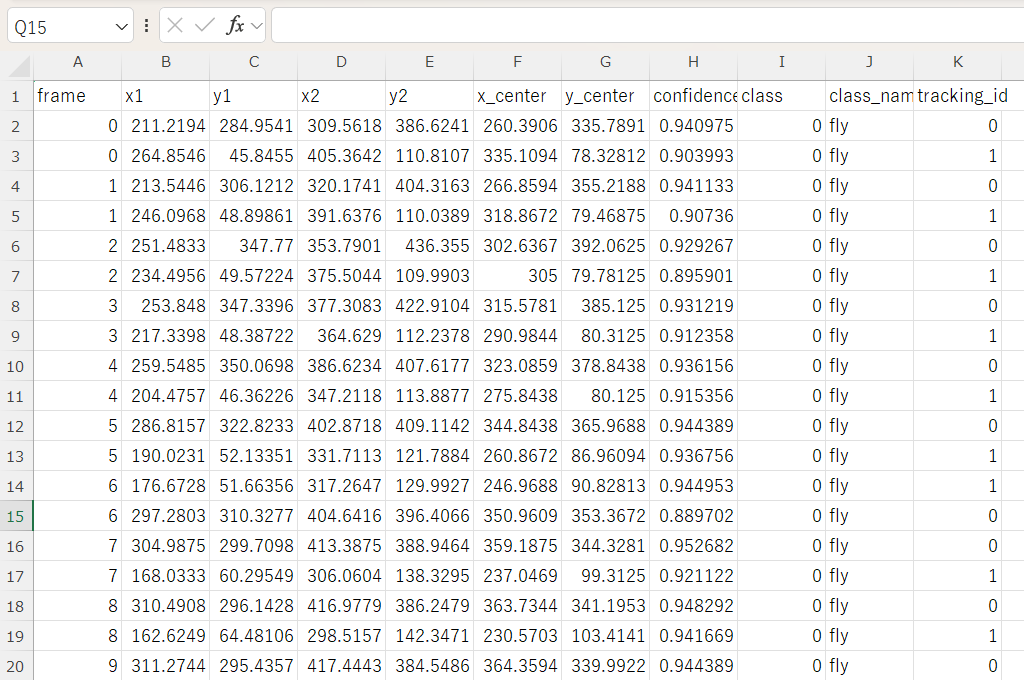
If you check “Tracking algorithm”, YORU will save the IDs in the results csv file. Max move/frame (px) (new in Beta 4) appears with it: see Tracking.
YORU has the option of individual identification in multi-animal scenarios, applying the Kuhn-Munkres method (Bashar et al., 2022) to assign IDs based on positional information following object detection. This function is still a beta function. For persistent IDs through crossings and missed detections, see the sister application YORU Tracker.
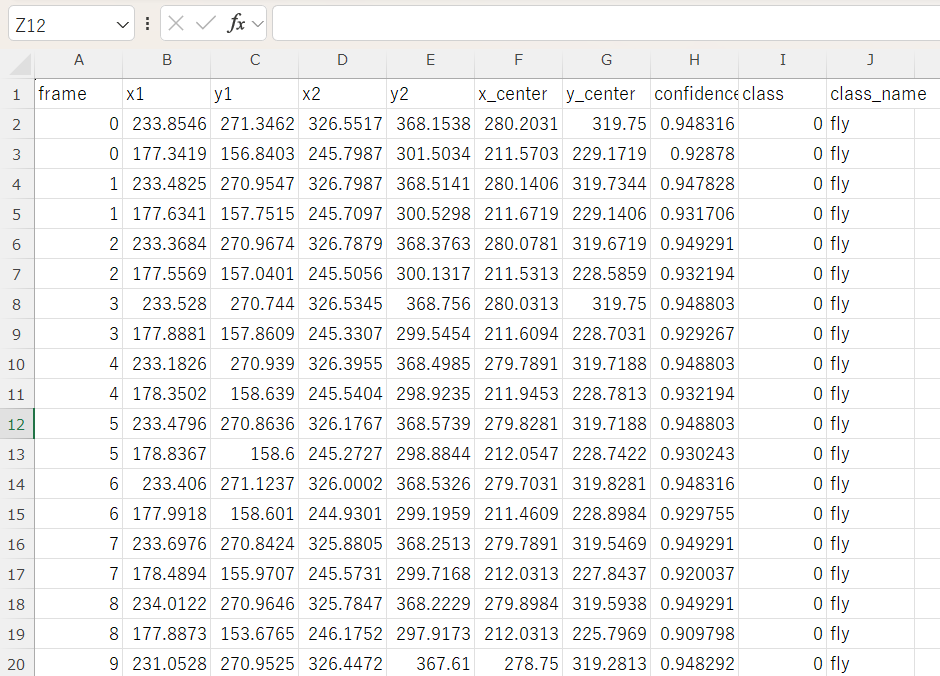
The results CSV describes each box twice: as x1, y1, x2, y2 (the upright box), and as x_center, y_center, w, h, angle (the box’s own centre, size and rotation in radians).
| Version | Columns |
|---|---|
| Beta 2 | frame, x1, y1, x2, y2, x_center, y_center, confidence, class, class_name[, tracking_id] |
| Beta 3 | frame, x1, y1, x2, y2, x_center, y_center, w, h, angle, confidence, class, class_name[, tracking_id] |
confidence, class, class_name and tracking_id move three columns to the right.w, h, angle are the rotated box it predicted. For every other model, angle is always 0 and the two forms describe the same box.Tracking algorithm matches the detection centres of consecutive frames. Two things changed in Beta 4:
Max move/frame (px) limits how far a centre may move between frames. A detection that moves farther starts a new track. The default, 0, means no limit, and then only the two fixes above apply.
Re-analysing a movie with Beta 4 can change
tracking_id: frames where the detection count changes may pair differently, and IDs after a track has ended are lower. Comparetracking_idonly between results made with the same version.
logs/custom_layout_analysis.ini. The panels now have stable internal names, so an old saved layout no longer matches.create_video() flipped unconditionally, ignoring the flip checkboxes, and crashed on the last frame. Both are fixed — but check the preview flip settings in step 4, because they now take effect as configured.Because of the last two points, results produced under the beta are not always directly comparable with results produced under Beta 1 or v1.1.x. Do not mix them within one dataset.
These examples were produced by v1.1.x and do not have the
w, h, anglecolumns.